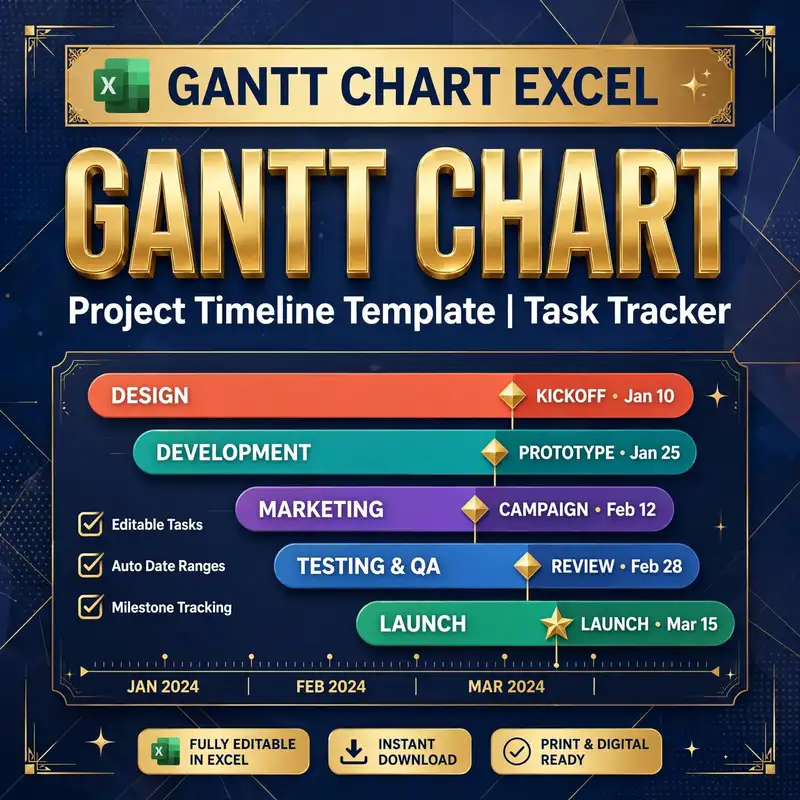
Gantt Chart Excel
Give the work a plan — and the plan a clear owner.
- Gantt Chart workbook (Excel)
- Phase plan with built-in totals
- Google Sheets import guide (PDF)
PROJECT MANAGEMENT
Give the work a plan — and the plan a clear owner.
Give the work a plan — and the plan a clear owner.
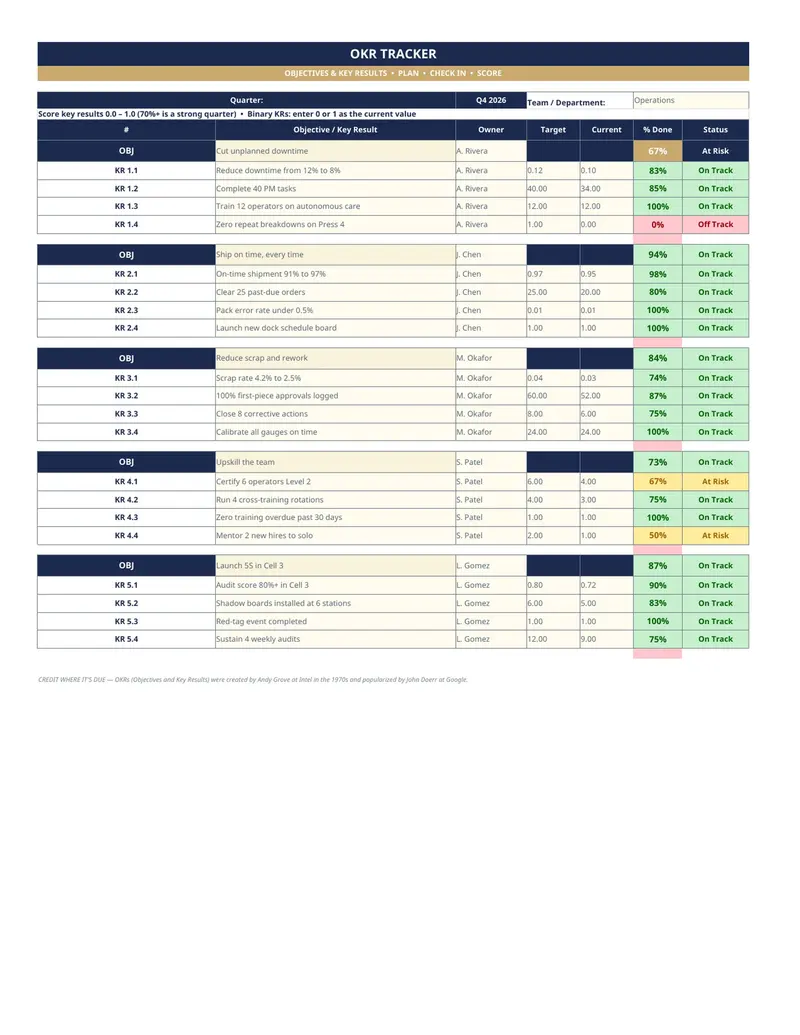
Set the quarter's objectives — and watch progress turn honest every week.
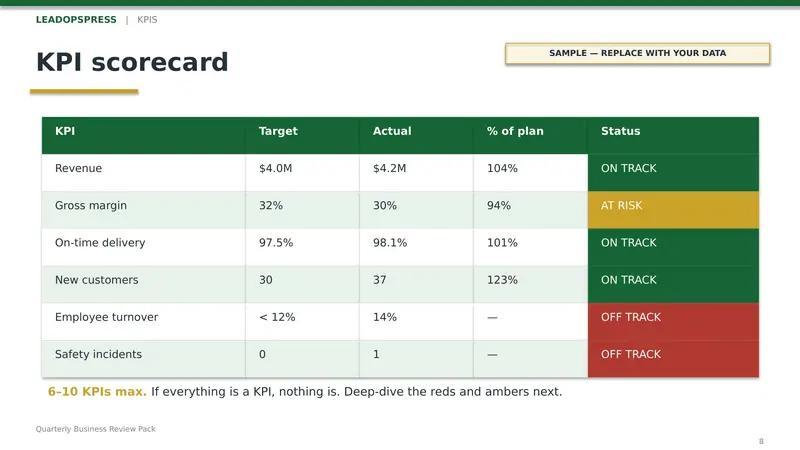
Run a quarterly review that ends in decisions, not just updates.
List price $7.99
View on Etsy →Most project trouble is not technical — it is the slow drift between what people believe the status is and what it actually is. Four simple documents, kept current, close most of that drift. All four habits appear in the tools on this page.
A Gantt chart earns its keep when tasks are linked, not just listed: this task cannot start until that one finishes. Dependencies expose the critical path — the chain of tasks that sets the finish date — and show at a glance which delays matter and which can be absorbed by float. Keep milestones few and concrete: “design approved,” not “design progressing.”
Write down what could go wrong, how likely it is, what it would cost, and what you are doing about it now — while it is still cheap. A risk reviewed monthly and owned by a named person is management; a risk discovered live is a crisis. Pair risks with assumptions, issues, and decisions — the RAID habit — so the project's memory does not live inside one person's inbox. Review the log on the same cadence as the status report — a risk register updated only at kickoff is a historical document, not a tool.
RAG status only works when the colours have definitions everyone shares. A workable set: green — on plan, no help needed; amber — a problem exists, a recovery plan exists, and it is working; red — the plan will miss without outside help or a change of scope, date, or budget. The rule that makes it honest: red is a request for help, not a confession. Teams that punish red get cheerful green reports right up to the day the project fails.
For goals rather than deliverables, an OKR tracker keeps the objective, its measurable key results, and the current confidence in one place, reviewed on a fixed cadence. If a key result cannot be counted, it is a wish, not a result.
Scheduling work with deadlines and dependencies? Start with the Gantt Chart. Running a quarter's worth of goals across a team? The OKR Tracker. Reporting upward to leadership? The QBR Pack structures the quarterly story — results, misses with their reasons, and next quarter's commitments — applying the same honesty rules as the status report, at executive altitude.
For project leads and managers who plan in spreadsheets and slides: give the work a plan, the plan an owner, and the quarter a decision forum. Trackers open with example data loaded, so the formulas work the moment you open the file. Household, classroom, and business use terms are on the Etsy listing.
The Complete Lean Manufacturing Library collects both LeadOpsPress volumes, every printable worksheet, and a bonus pack sold nowhere else.